
Have you ever wanted to use your phone safely while driving, without fumbling with apps or maps? An Android Auto adapter might be the simple tool you need.
It connects your phone to your car’s display, making it easier and safer to access music, navigation, and calls. But what exactly does an Android Auto adapter do, and why should you consider having one? Keep reading to discover how this small device can change your driving experience for the better.
Role Of An Android Auto Adapter
An Android Auto adapter connects your smartphone to your car’s system. It helps you use apps safely while driving. The adapter makes your phone work with the car’s display and controls.
This device improves how you interact with your phone in the car. It brings phone features to the car screen and supports hands-free functions.
Connecting Smartphone To Car
The adapter links your phone to the car’s infotainment system. It uses USB or wireless connection to share data. This makes it easy to access maps, calls, and messages on the car display.
- Establishes a stable connection between devices
- Transfers audio and video signals
- Synchronizes phone apps with the car screen
- Enables touch and steering wheel controls
Enhancing In-car Entertainment
The adapter allows use of music and media apps safely. It provides a better sound experience through car speakers. You can switch songs or playlists without touching your phone.
| Feature | Benefit |
| Music Streaming | Access favorite songs and playlists |
| Podcast Playback | Listen to podcasts during travel |
| Audio Controls | Use car buttons to control sound |
| Navigation Sound | Clear voice directions through speakers |
Supporting Voice Commands
Voice commands keep your hands on the wheel and eyes on the road. The adapter works with voice assistants to send messages or make calls. It also controls apps and navigation by voice.
Common voice commands include:
- “Call [contact name]”
- “Navigate to [place]”
- “Play [song or artist]”
- “Read my messages”
Credit: www.androidpolice.com
Key Features Of Android Auto Adapters
Android Auto adapters allow your car to connect with your smartphone. They provide easy access to apps, music, and navigation on your car’s display.
These adapters come with different features to fit your needs. They improve your driving experience by making phone use safer and simpler.
Plug-and-play Functionality
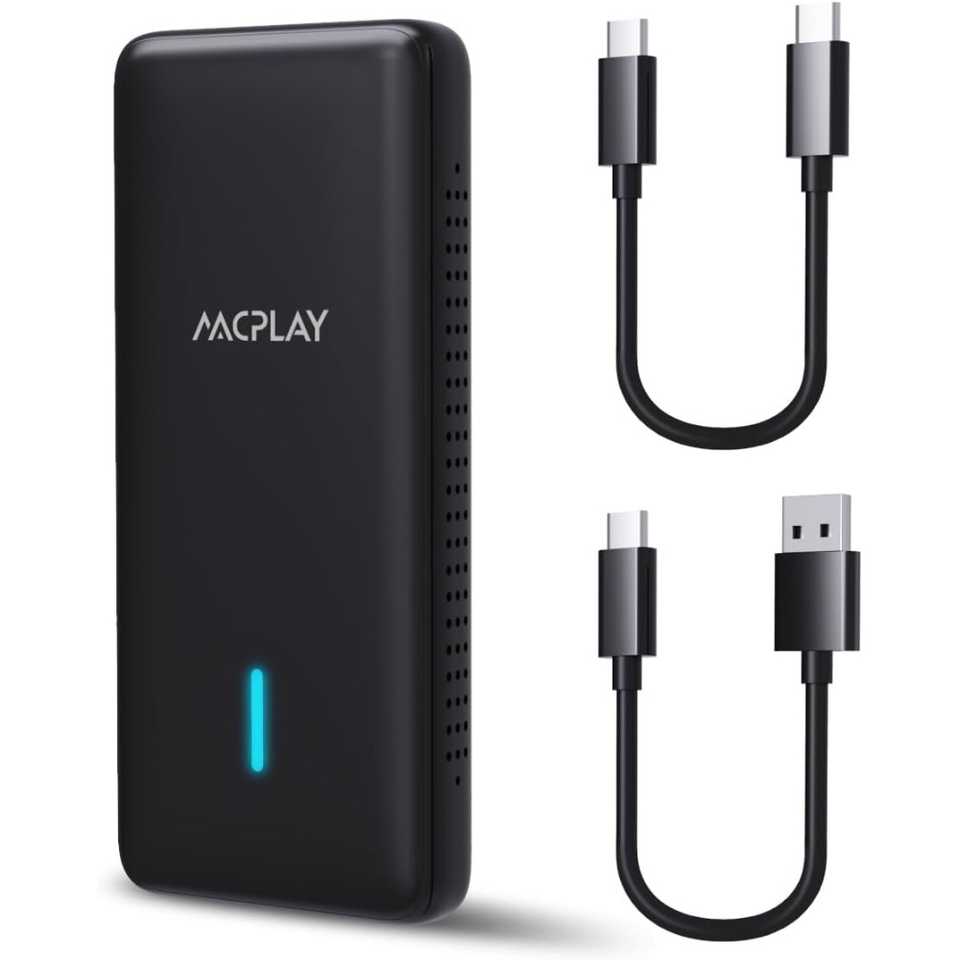
Most Android Auto adapters work with plug-and-play setup. You just connect the adapter to your car’s USB port and your phone.
This feature means no extra software or tools are needed. It saves time and makes installation easy for anyone.
Compatibility With Various Vehicles
Android Auto adapters support many car models and brands. They work with older and newer vehicles that have USB or compatible ports.
Check the adapter’s compatibility list before buying. This ensures it will work with your car’s system smoothly.
- Supports multiple car brands like Toyota, Honda, Ford
- Works with different head units and infotainment systems
- Compatible with most Android smartphones
Wireless And Wired Options
Android Auto adapters come in wired and wireless versions. Wired adapters use USB cables for connection.
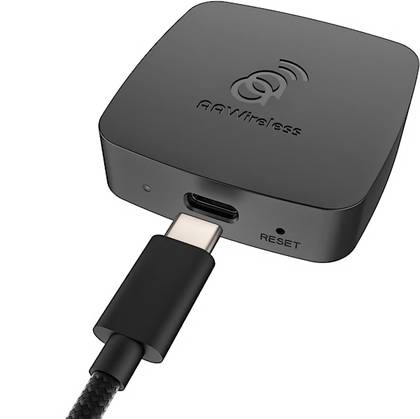
Wireless adapters connect via Wi-Fi or Bluetooth. They offer more convenience by removing cables inside your car.
- Wired adapters provide stable and fast connection
- Wireless adapters allow hands-free use without cables
- Choose based on your car’s support and personal preference
Benefits Of Using An Android Auto Adapter
An Android Auto adapter connects your phone to your car’s system. It lets you use apps safely while driving. This device improves your driving experience.
Using an adapter helps you stay focused on the road. It also makes it easy to access maps, music, and calls.
Improved Safety On The Road
An Android Auto adapter reduces distractions by showing important info on your car screen. You can use voice commands to keep your hands on the wheel.
This helps you avoid looking at your phone while driving. It makes driving safer for you and others.
Access To Navigation And Apps
The adapter lets you use navigation apps like Google Maps or Waze on your car screen. You can get real-time traffic updates and route changes.
You can also open apps for messaging, calls, and more. This keeps all your important tools in one place.
Seamless Media Streaming
With an Android Auto adapter, you can play music, podcasts, and audiobooks easily. The sound comes through your car speakers for better quality.
You can control media with simple touch or voice commands. This lets you enjoy your favorite content without stopping.
Credit: www.androidpolice.com
How To Choose The Right Adapter
An Android Auto adapter connects your phone to your car’s display. It allows you to use apps and navigation safely while driving.
Choosing the right adapter ensures it works well with your car and phone. Look at key features before buying one.
Checking Vehicle Compatibility
Not all adapters work with every car model. Check if your vehicle supports Android Auto or has a compatible system.
Look for the adapter’s list of supported cars. This helps avoid issues with connection or display.
- Check the make and model of your car
- See if your car stereo supports Android Auto
- Confirm the adapter supports your car’s system
Evaluating Connectivity Options
Adapters connect via USB or wirelessly. Decide which connection type fits your needs and car setup.
USB connections are stable but need a cable. Wireless adapters offer convenience but may lag sometimes.
- USB adapters require a physical cable
- Wireless adapters connect via Bluetooth or Wi-Fi
- Some adapters support both connection types
Considering Price And Brand
Price varies based on features and quality. Set a budget but avoid very cheap adapters that may fail.
Choose brands known for good customer support and reliable products. Check reviews before buying.
- Compare prices among trusted brands
- Look for warranty and support options
- Read user reviews for real feedback
Installation Tips And Troubleshooting
An Android Auto adapter lets you connect your phone to your car’s infotainment system. It helps you use apps, maps, and music safely while driving. Proper setup and maintenance improve your experience.
This guide covers installation tips and how to fix common problems. Follow these steps to keep your adapter working well.
Step-by-step Setup Guide
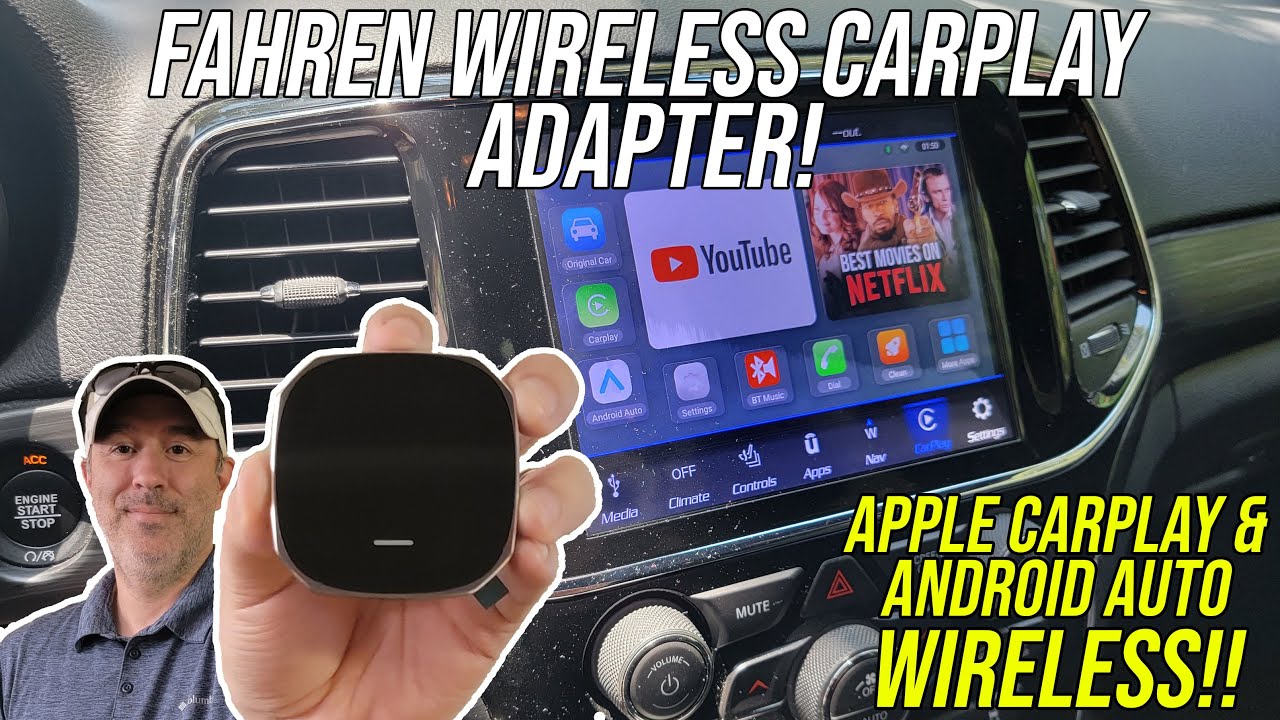
Start by checking if your car supports Android Auto. Use a good quality USB cable to connect the adapter to your phone and car. Make sure your phone’s Android Auto app is up to date.
- Turn on your car and plug in the adapter.
- Allow permissions on your phone for Android Auto.
- Follow on-screen prompts to finish setup.
- Test the connection by launching Android Auto apps.
Common Issues And Fixes
Sometimes the adapter may not connect or work as expected. Here are common problems and easy fixes.
| Issue | Cause | Solution |
| No connection | Faulty cable or port | Try a different cable or USB port |
| App crashes | Outdated Android Auto app | Update the app to the latest version |
| Audio not working | Bluetooth conflict | Turn off Bluetooth or reset audio settings |
| Screen freezes | Software glitch | Restart phone and car system |
Maintaining Optimal Performance
Keep your Android Auto adapter working smoothly with regular care. Clean the USB ports and cables to avoid dust buildup. Always use the original or certified cables for connections.
Here are tips to maintain your adapter’s performance:
- Update your phone and apps regularly.
- Disconnect the adapter if not in use for long periods.
- Store the adapter in a cool, dry place when not connected.
- Check for firmware updates from the adapter’s manufacturer.
Credit: www.youtube.com
Frequently Asked Questions
What Is The Main Function Of An Android Auto Adapter?
An Android Auto adapter connects your smartphone to your car’s infotainment system. It allows seamless access to apps like maps, music, and calls. This enhances driving safety and convenience by providing hands-free control and a user-friendly interface on your car’s display.
How Does An Android Auto Adapter Improve Driving Experience?
The adapter enables easy use of navigation, music, and communication apps. It offers voice control and minimizes distractions while driving. This integration keeps drivers focused on the road and provides a safer, more enjoyable journey with real-time updates and hands-free features.
Can Any Car Use An Android Auto Adapter?
Most modern cars with USB ports support Android Auto adapters. However, compatibility depends on the car’s infotainment system and Android version. Always check your vehicle’s specifications and the adapter’s requirements to ensure proper functionality before purchase.
Does An Android Auto Adapter Require Internet Connection?
Yes, an Android Auto adapter generally needs an internet connection. It uses your smartphone’s data to access live traffic, streaming services, and updates. Some offline features work, but most apps rely on connectivity for full functionality and real-time information.
Conclusion
An Android Auto adapter lets your car connect with your phone easily. It shows apps on your car’s screen for safer use. You can play music, get directions, and send messages hands-free. It helps keep your focus on the road while staying connected.
Choosing the right adapter makes your drive more enjoyable and less distracting. Simple to use and useful every day. A small device with big benefits for your driving experience.