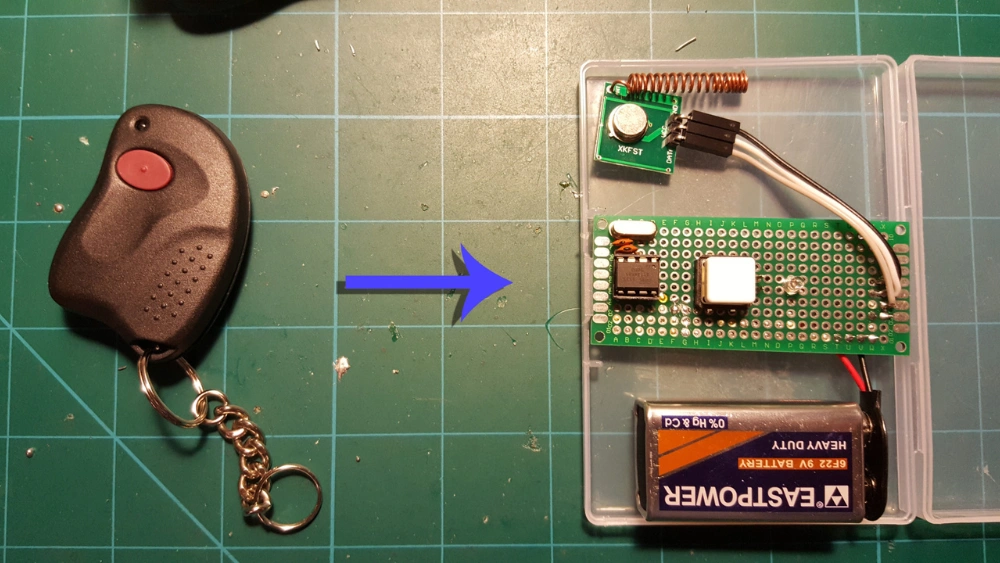
Have you ever wished you had a spare remote for your auto gate but didn’t want to go through the hassle of buying a new one? Cloning your auto gate remote control is easier than you think, and it can save you time and money.
Whether you want a backup for emergencies or an extra remote for family members, this guide will walk you through the simple steps to clone your remote quickly and safely. Keep reading, and you’ll have your new remote ready before you know it!
Tools Needed
Cloning an auto gate remote control requires some basic tools. These tools help you copy the signals safely and accurately.
Having the right tools makes the process smoother and avoids damage to your devices.
List Of Required Items
- Original auto gate remote control
- Blank remote control compatible with the system
- Small flathead screwdriver
- Multimeter for checking battery and circuits
- Battery tester or fresh batteries
- Cleaning cloth to wipe the remote surface
- Instruction manual of the remote or gate system
Safety Precautions
Safety is important when working with remote controls and electronics. Follow these tips to stay safe.
| Precaution | Description |
| Work in a dry area | Keep tools and devices away from water to avoid electric shock. |
| Remove batteries before opening | Prevent short circuits by taking out batteries before handling the remote. |
| Use insulated tools | Use screwdrivers with plastic handles to reduce electric risks. |
| Avoid force | Do not force open or press buttons hard to prevent damage. |
| Keep away from children | Small parts and batteries can be dangerous for children. |
Types Of Auto Gate Remotes
Auto gate remotes control your gate from a distance. They use different codes to open and close gates.
Knowing the type of remote helps you clone it correctly. There are two main types: fixed code and rolling code remotes.
Fixed Code Remotes
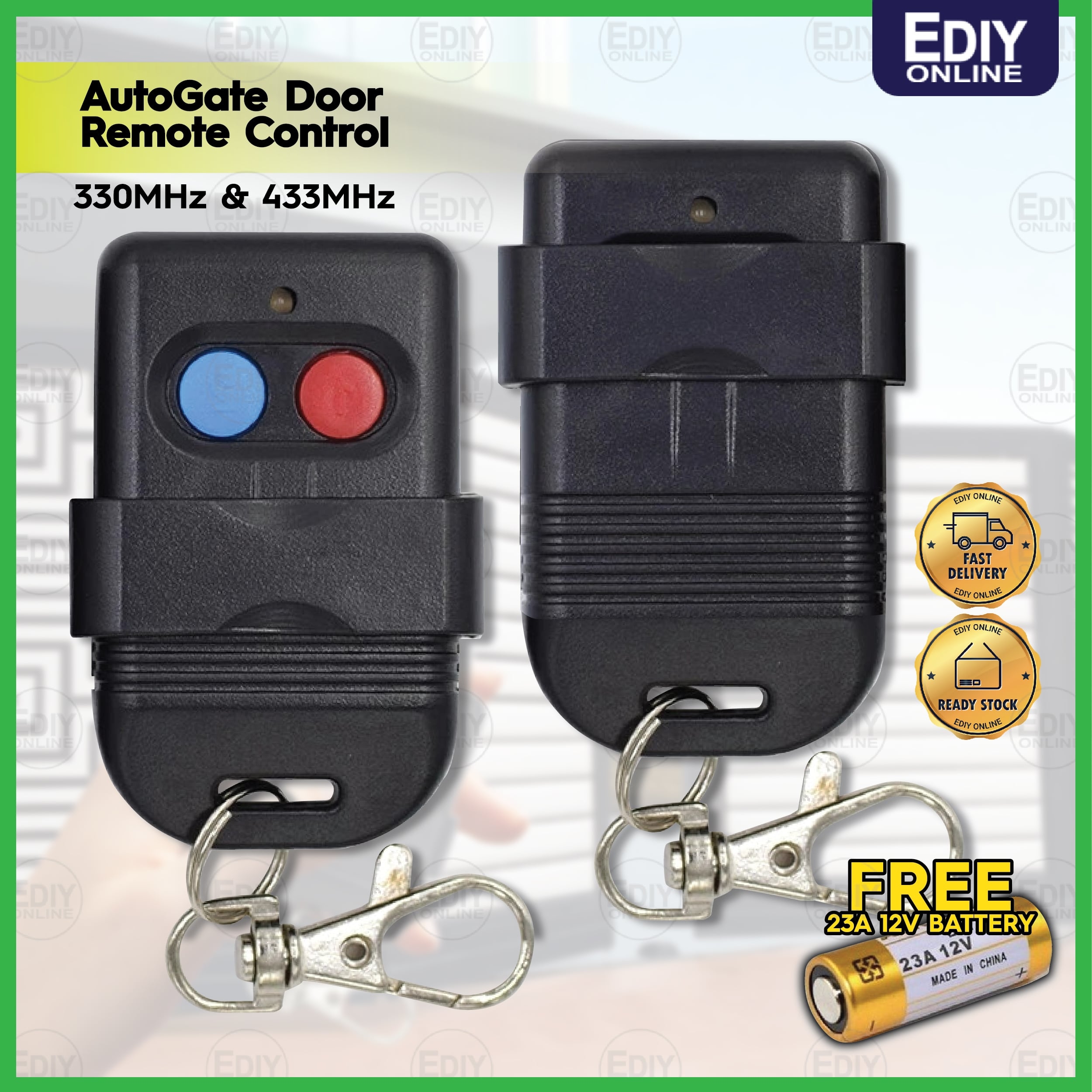
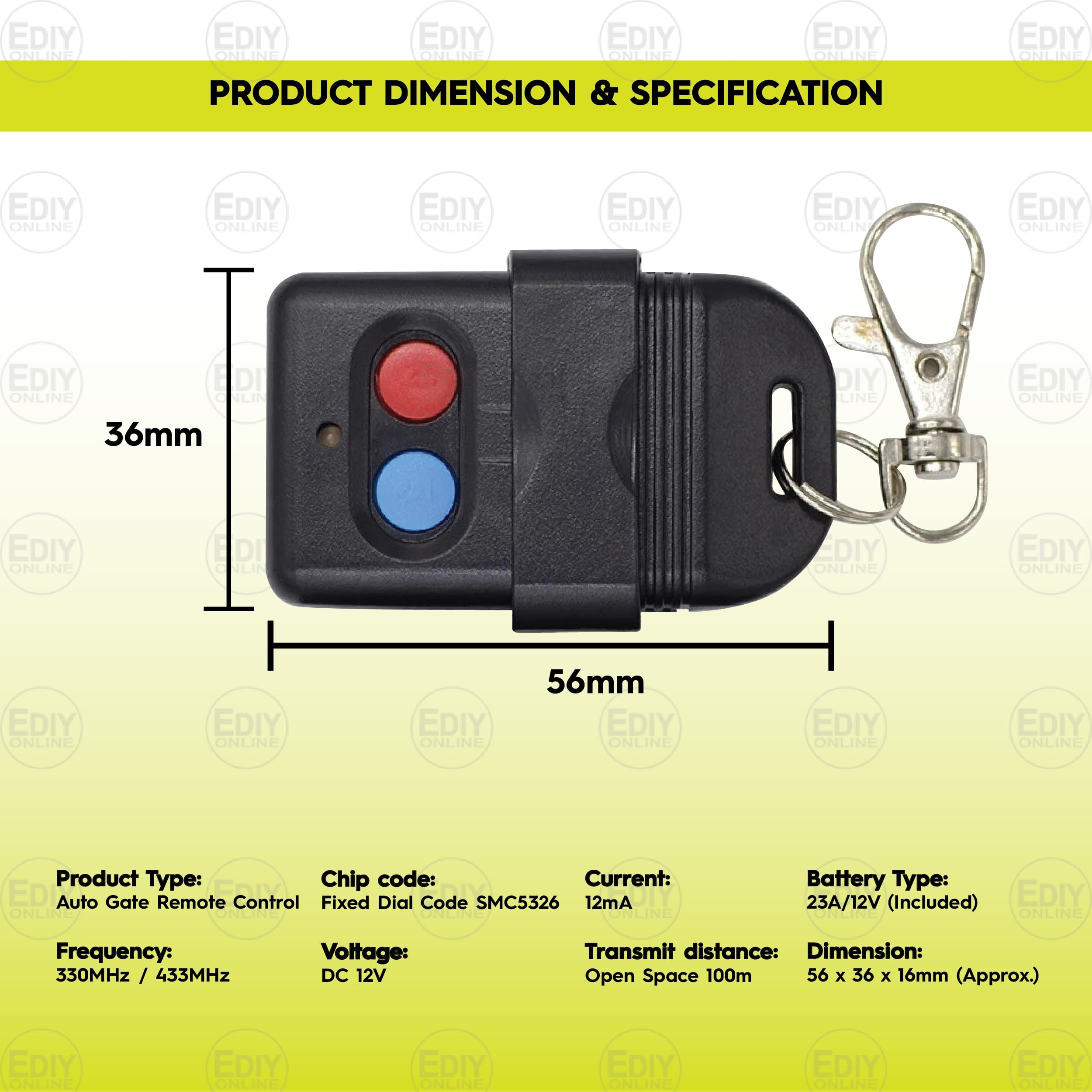
Fixed code remotes send the same code every time you press a button. The gate receiver recognizes this code to open or close.
These remotes are simple and easy to clone. You can copy the code to another remote with the same frequency.
- Uses a single code for all signals
- Easy to clone with a learning remote
- Less secure due to code repetition
- Common in older gate systems
Rolling Code Remotes
Rolling code remotes change their code after each use. This prevents code copying by outsiders.
Cloning these remotes is difficult. Special tools or programming may be needed to copy the code sequence.
- Generates a new code every time
- More secure than fixed code remotes
- Hard to clone without original equipment
- Used in modern auto gate systems
Preparing The Original Remote
Cloning an auto gate remote starts with preparing the original device. This ensures the new remote will work properly.
Two main tasks help get the remote ready: checking the battery life and cleaning the remote. Both improve signal quality.
Check Battery Life
A weak battery can cause the remote to send poor signals. Replace the battery if it is old or weak.
- Open the battery compartment carefully.
- Remove the old battery and check its date.
- Use a fresh battery with the same voltage.
- Close the compartment securely to avoid damage.
Clean The Remote
Dirt and grime can block the remote’s buttons and sensor. Clean the remote before cloning.
| Cleaning Item | Purpose |
|---|---|
| Soft cloth | Remove dust and fingerprints |
| Isopropyl alcohol | Disinfect and clean sticky buttons |
| Toothpick | Clear dirt from button gaps |
| Compressed air | Blow out debris inside the remote |
Credit: ediyonline.com.my
Step-by-step Cloning Process
Cloning an auto gate remote control is useful if you need a spare. It involves copying the signal from the original remote to a new one.
This guide will help you clone your remote control in a few easy steps. Follow each step carefully for successful cloning.
Enter Cloning Mode
To start cloning, you must set your new remote into cloning mode. This lets it receive the signal from the original remote.
Press and hold the button on your new remote for a few seconds. Wait until the LED light begins to flash, showing it is in cloning mode.
Sync The New Remote
Now, you need to sync the new remote with the original one. Keep both remotes close together for this step.
Press and hold the button on the original remote. While holding, press the same button on the new remote until the LED stops flashing.
- Keep remotes within 5 cm of each other
- Ensure both remotes have working batteries
- Try again if the LED does not stop flashing
Test The Cloned Remote
After syncing, it is time to test the cloned remote. This checks if the new remote works properly with your auto gate.
Stand near your gate and press the button on the new remote. If the gate opens or closes, your cloning process is successful.
If the gate does not respond, repeat the cloning steps. Ensure the remotes are close enough during syncing.
Troubleshooting Common Issues
Cloning an auto gate remote control can save time and money. Sometimes, the process does not work as expected. This guide helps you fix common problems during cloning.
Check these issues carefully to make sure your remote copies the signal correctly. Follow the tips below to solve common errors.
Remote Not Cloning
If your remote does not clone, the problem might be with the pairing steps or the devices. Make sure both remotes support cloning and that you follow the correct procedure.
- Place the original and new remote controls close together, about 1 to 2 inches apart.
- Press and hold the clone button on the new remote until the LED light blinks.
- Press the button on the original remote that you want to copy.
- Wait for the new remote’s LED to flash, indicating it has learned the signal.
- Test the new remote by pressing the cloned button to open the gate.
Signal Interference
Sometimes, other signals can block or confuse the remotes. This interference stops the cloning process or causes the new remote to fail.
| Cause | Effect | Solution |
| Nearby Wi-Fi routers | Signal noise | Move away from routers when cloning |
| Other remote controls | Confused signals | Turn off other remotes during cloning |
| Metal objects | Signal blocking | Keep remotes away from metal surfaces |
| Strong radio transmitters | Interference | Clone in a different location |
Battery Problems
Weak or dead batteries cause remotes to fail during cloning. Check the battery power before starting the process.
Follow this checklist to avoid battery issues:
- Replace old batteries with fresh ones.
- Ensure batteries are inserted correctly.
- Clean battery contacts if dirty or rusty.
- Use the recommended battery type for your remote.
- Test the remote’s LED light before cloning.
Credit: ediyonline.com.my
When To Seek Professional Help
Cloning an auto gate remote can be easy for simple models. Some remotes need special skills and tools. Knowing when to ask for help saves time and prevents damage.
Look out for signs that your remote or gate system needs a pro. Safety and security are important reasons to get an expert involved.
Complex Remote Types
Some auto gate remotes use advanced technology. These remotes may have rolling codes or encrypted signals. Cloning these types is tricky and often requires special equipment.
- Rolling code remotes change codes after each use.
- Encrypted remotes use secure signals hard to copy.
- Remotes with built-in chips may need programming tools.
- Smart remotes connect with apps or Bluetooth.
Security Concerns
Cloning a remote can affect your gate’s security. Using the wrong method may expose your gate to risks. Professionals understand how to keep systems safe.
| Security Risk | Why Professional Help Matters |
| Unauthorized access | Experts ensure only authorized remotes are cloned. |
| Signal interception | Pros use tools that avoid signal leaks. |
| System damage | Professionals prevent damage to gate electronics. |
| Warranty void | Experts follow manufacturer guidelines to keep warranty valid. |
Maintenance Tips For Remotes
Remote controls for auto gates need regular care. Proper maintenance ensures they work well and last longer.
Let’s look at some easy tips to keep your remote in top shape.
Regular Battery Checks
Batteries power your remote control. Check them often to make sure they are not running low.
Replace weak batteries as soon as possible. This helps your remote function properly.
- Check battery levels every three months
- Keep spare batteries at home
- Dispose of old batteries safely
Storage Recommendations
Where you store your remote matters. Keep it safe to avoid damage.
Avoid places with high heat or moisture. These can harm the remote’s circuits.
| Store in a dry place |
| Avoid direct sunlight |
| Use a protective case |

Credit: www.reddit.com
Frequently Asked Questions
How Do I Clone An Auto Gate Remote Control?
To clone an auto gate remote, first access the original remote’s programming mode. Press and hold the clone button, then sync the new remote by pressing its button. Follow the specific instructions for your remote model to complete the process accurately.
Can I Clone Any Brand Of Auto Gate Remote?
Most auto gate remotes can be cloned if they use common frequencies. However, some brands have unique encryption making cloning difficult. Always check your remote’s compatibility before attempting to clone it. Consult the manual or manufacturer for specific cloning instructions.
Is Special Equipment Needed To Clone A Remote Control?
No special equipment is usually needed for basic cloning. Most remotes support learning mode to copy signals manually. For advanced remotes with rolling codes, specialized cloning devices might be required. Always verify your remote’s type before cloning.
How Long Does It Take To Clone An Auto Gate Remote?
Cloning an auto gate remote typically takes 2 to 5 minutes. The process depends on the remote’s complexity and your familiarity with the steps. Following instructions carefully speeds up cloning and reduces errors.
Conclusion
Cloning an auto gate remote control saves time and effort. Follow the steps carefully for best results. Test the new remote to ensure it works properly. Keep the original remote safe as a backup. This simple process helps you avoid extra costs.
Practice makes the task easier each time. Now, you can control your gate with two remotes. Enjoy the convenience and security of your cloned remote.